A visual archive of everything from early concepts to final designs
The 1Password Business homepage hero, headlined "Secure access for every human and AI agent," with an admin console dashboard screenshot and a social proof grid of customer logos including Intercom, Stripe, Slack, GitHub, and Reddit.
The 1Password mobile navigation menu shown in two states: the top-level menu listing Business, Personal, Partners, Resources, Developers, and Pricing, and the expanded Business submenu showing 1Password For and Products sections.
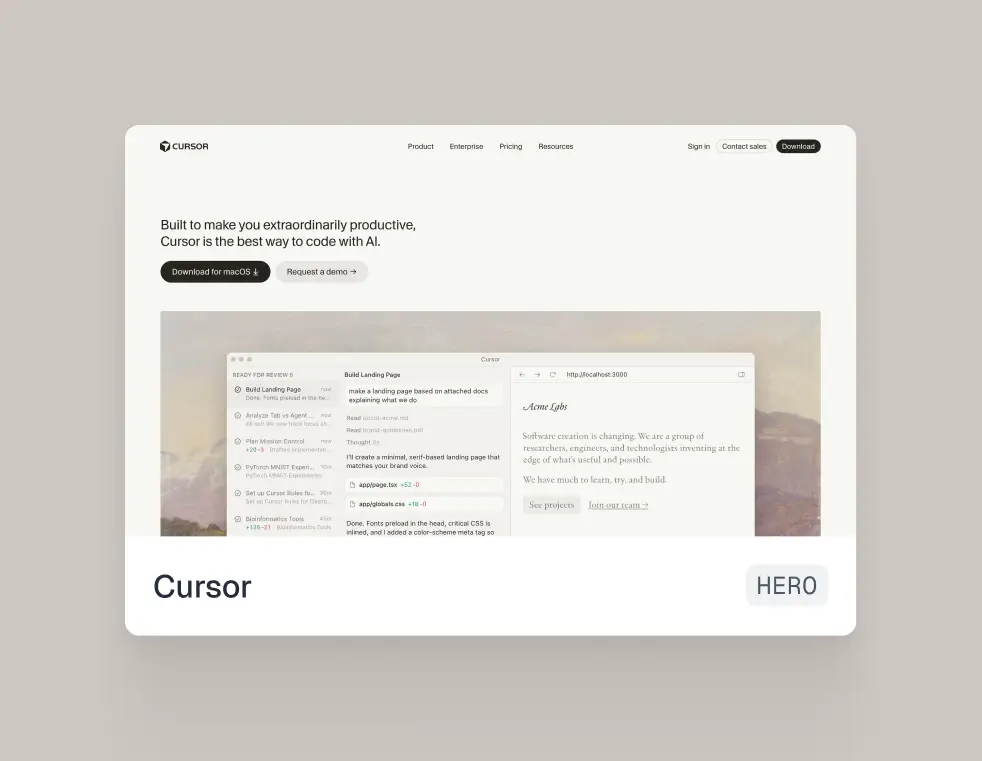
A Component Grid card showing the Cursor homepage hero section, featuring the headline "Built to make you extraordinarily productive, Cursor is the best way to code with AI," with a product UI screenshot showing an AI coding session building a landing page.
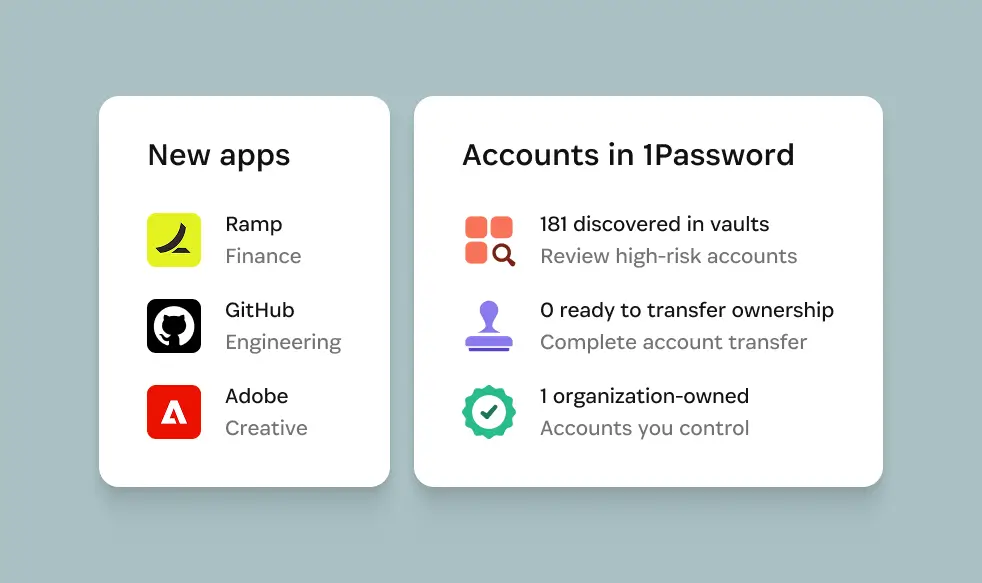
Two 1Password dashboard cards: "New apps" listing Ramp, GitHub, and Adobe by department, and "Accounts in 1Password" showing 181 discovered in vaults, 0 ready to transfer ownership, and 1 organization-owned account.
The 1Password Business mega menu, organized into four columns: 1Password For (Business, Enterprise, Small teams), Products (Enterprise Password Manager, SaaS Manager, Device Trust, Unified Access, Comparison, Pricing), Features (Access reviews, Extended device compliance, Integrations, Secrets management, Watchtower and insights, and more), and Solutions (Agentic AI security, Passwordless, SaaS access governance, Shadow IT discovery, and more).
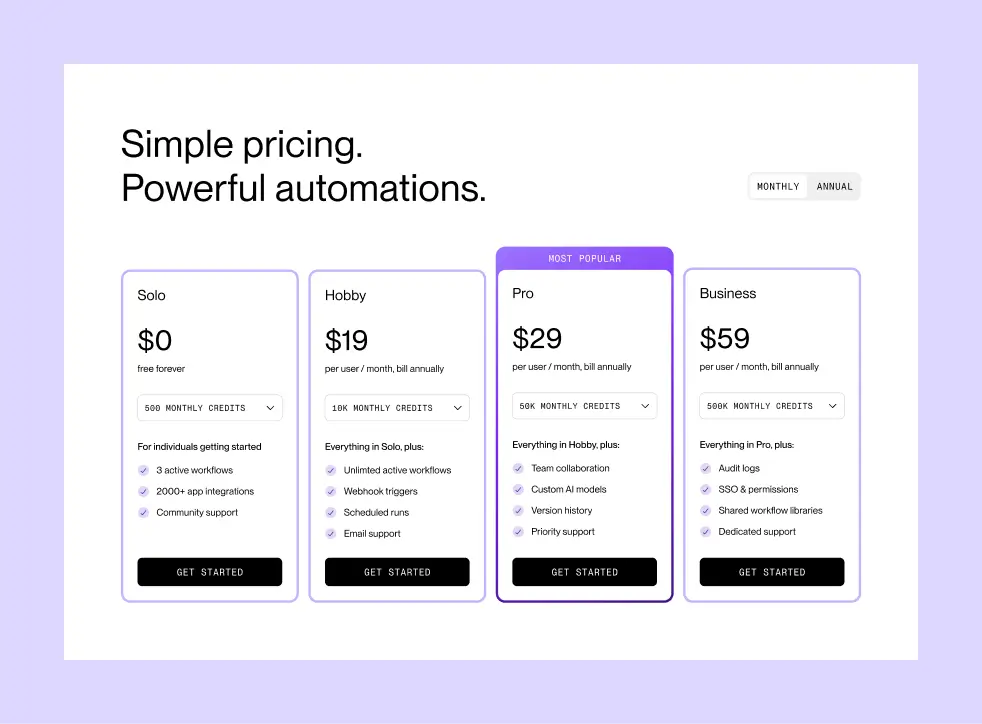
The Sequence pricing page, showing four tiers — Solo (free), Hobby ($19/mo), Pro ($29/mo, most popular), and Business ($59/mo) — with monthly credit allotments and feature lists for each.
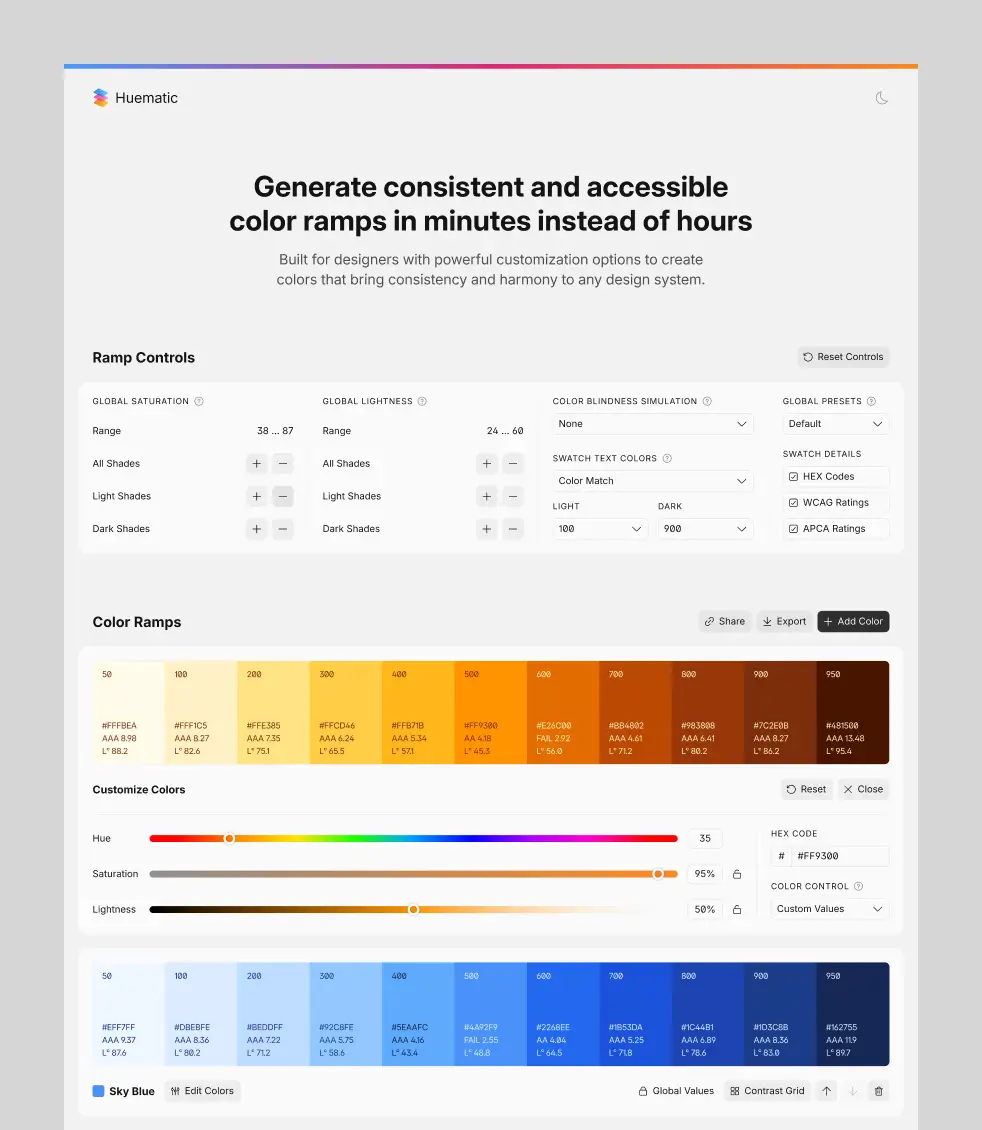
The Huematic color ramp generator, showing ramp controls for saturation and lightness, a generated orange color ramp with WCAG/APCA contrast ratings per swatch, and a color customization panel with hue, saturation, and lightness sliders. A second blue "Sky Blue" ramp is visible below.
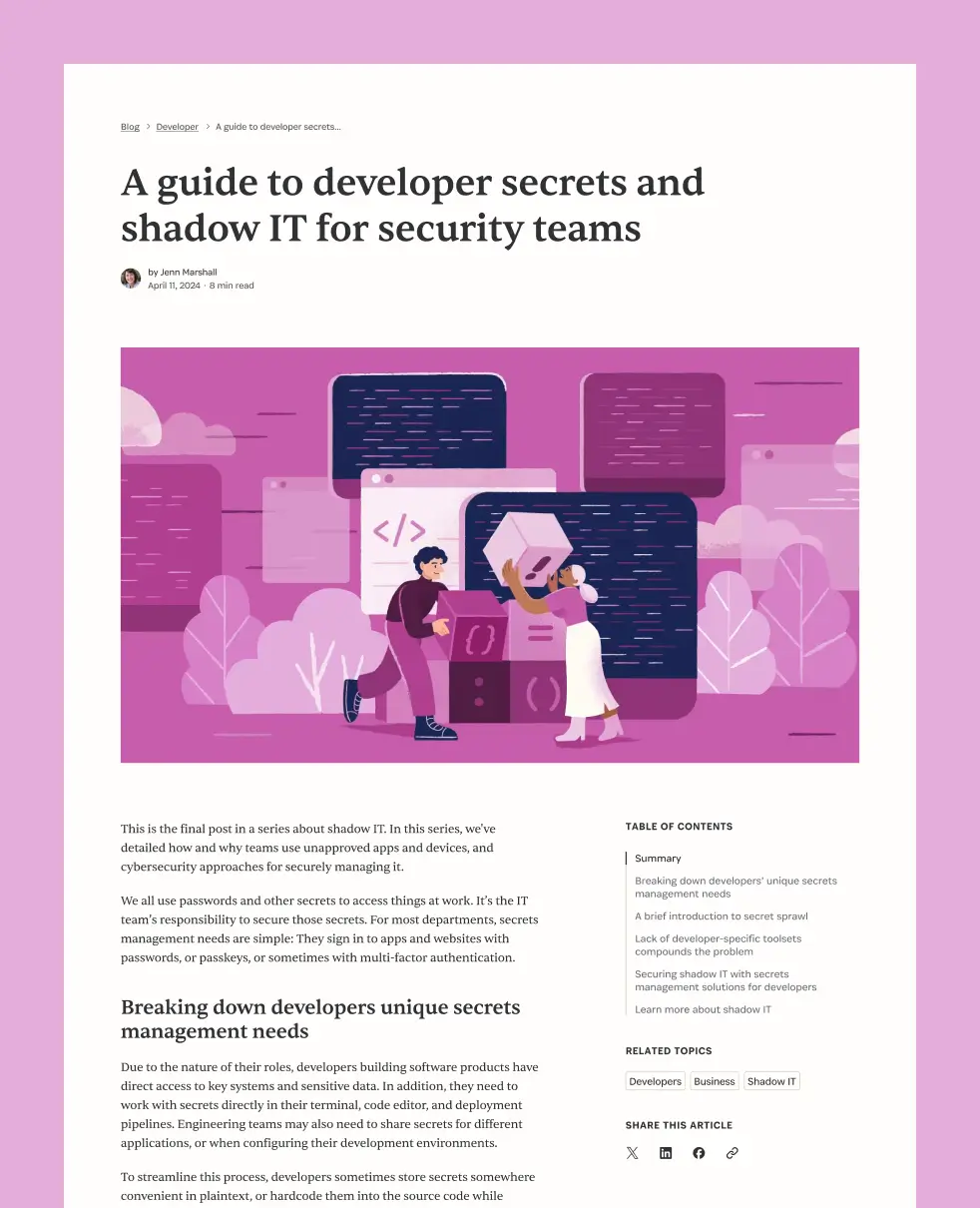
A 1Password blog article titled "A guide to developer secrets and shadow IT for security teams" by Jenn Marshall, showing the article layout with a hero illustration, body copy, table of contents sidebar, related topics tags, and social sharing options.
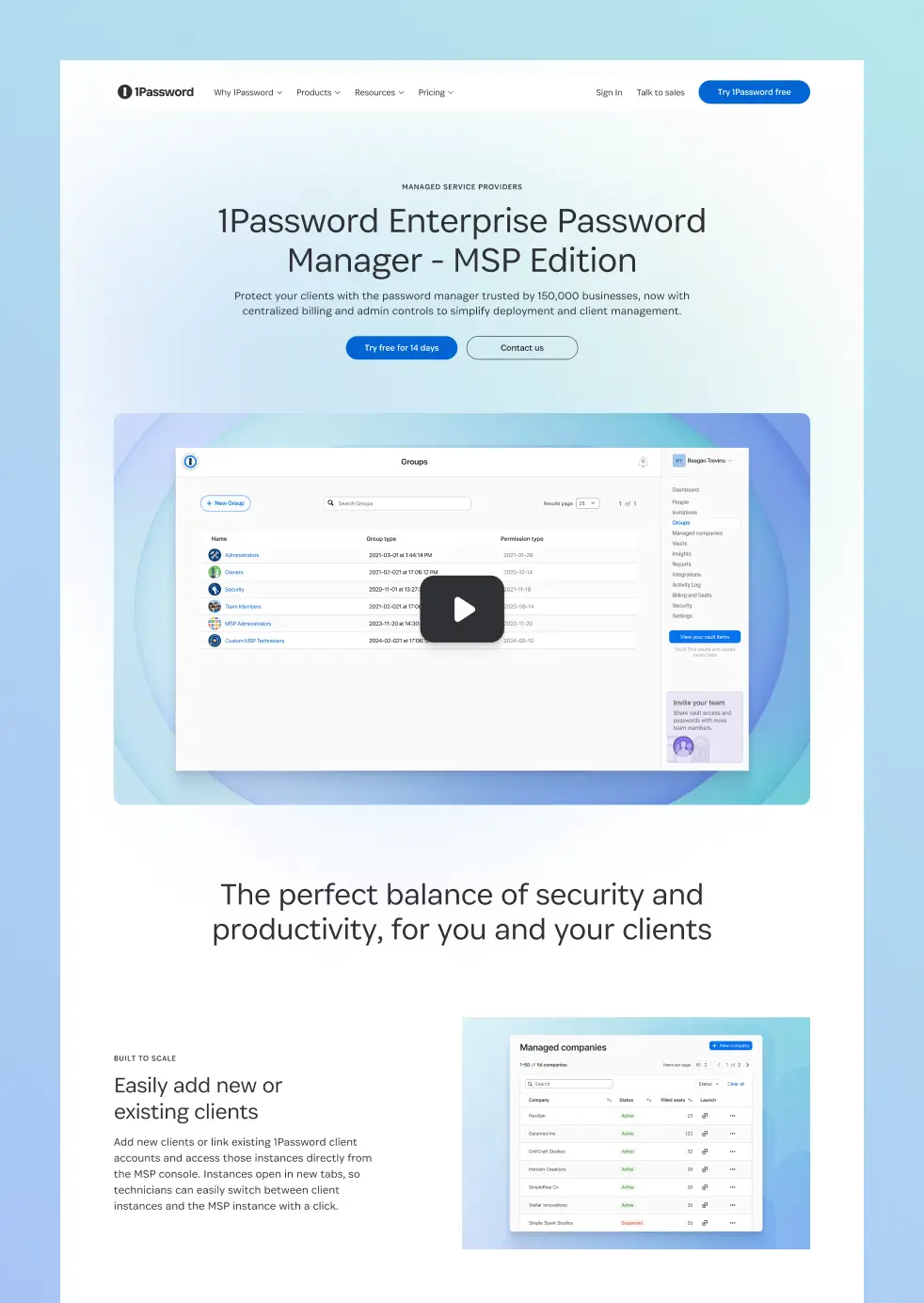
The 1Password Enterprise Password Manager MSP Edition landing page, featuring a hero with a Groups admin UI video thumbnail, and a "Built to scale" section showing the Managed Companies dashboard for adding and managing client accounts.
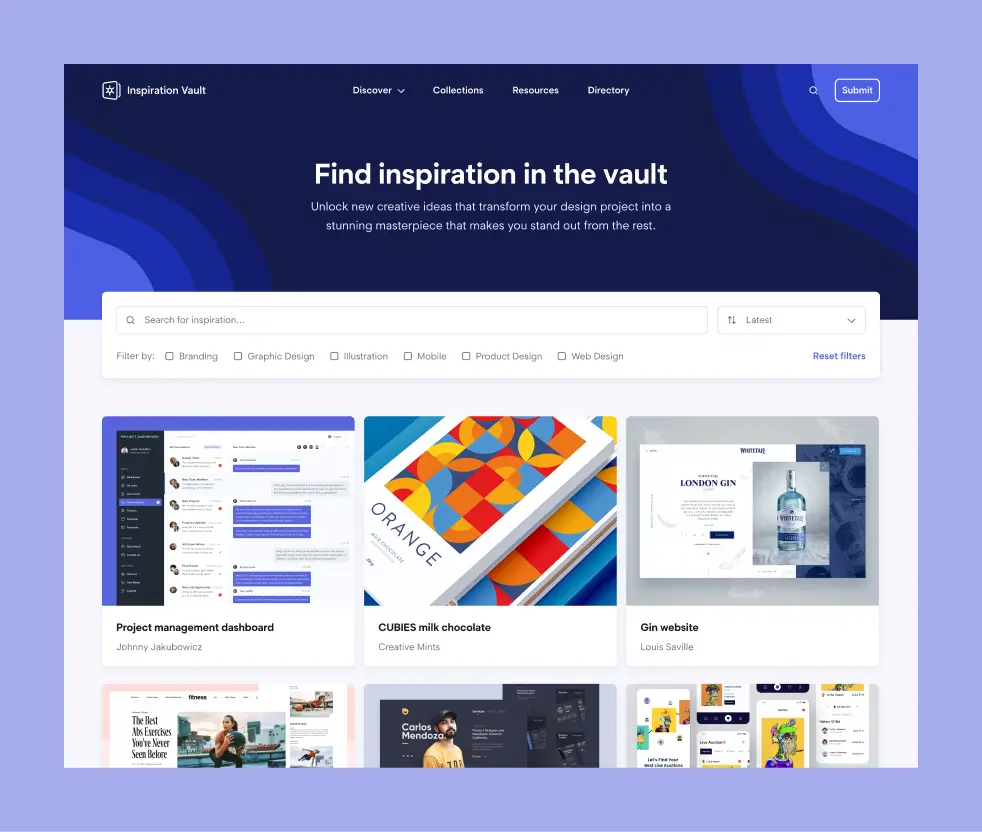
The Inspiration Vault homepage, showing a searchable design inspiration gallery with category filters and a grid of submitted works, including a project management dashboard by Johnny Jakubowicz, CUBIES milk chocolate packaging by Creative Mints, and a gin website by Louis Saville.
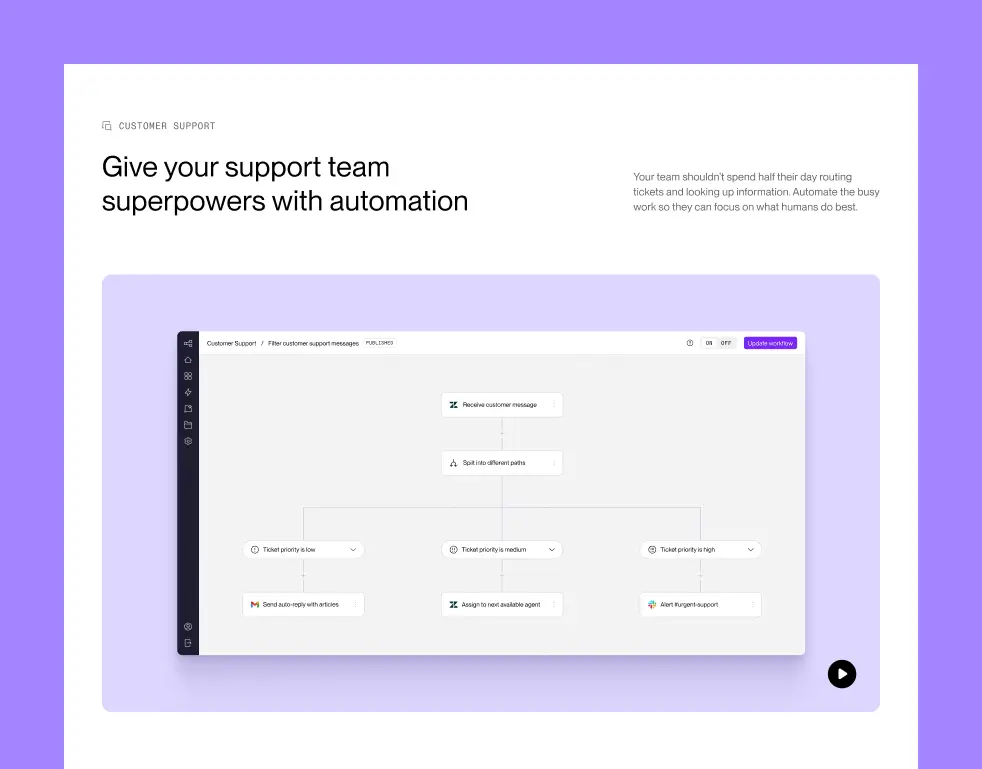
A Sequence customer support use case page, showing a workflow builder that routes incoming support tickets by priority — low, medium, and high — with automated actions for each path.
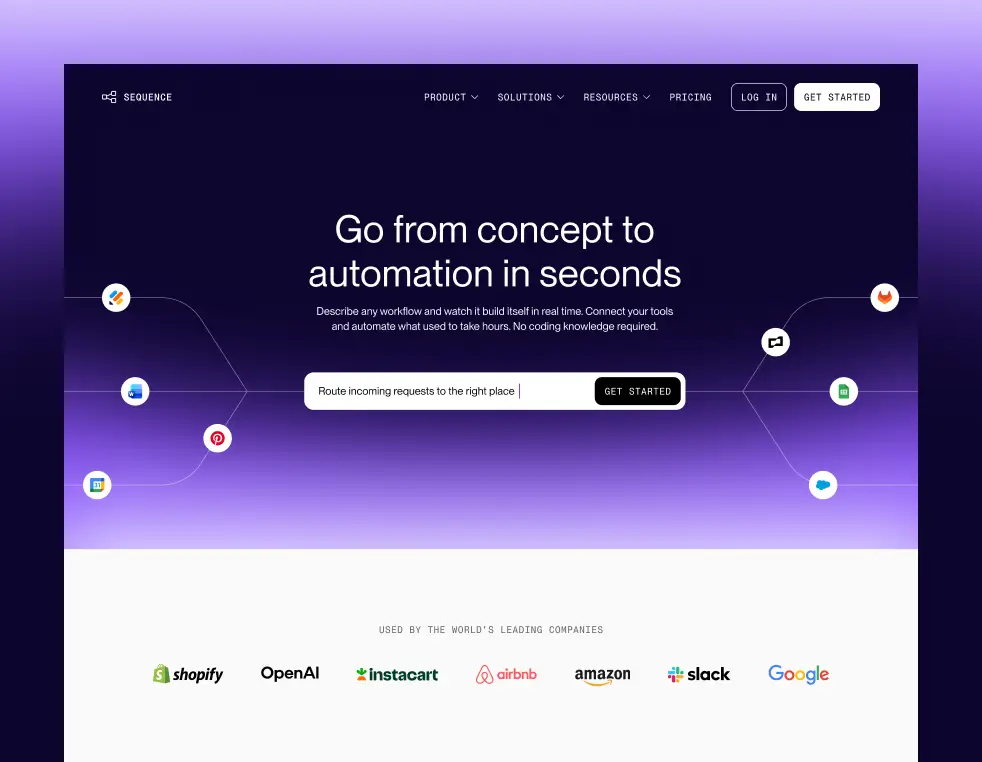
The Sequence homepage hero, featuring the headline "Go from concept to automation in seconds," a natural language workflow input field, and a social proof bar showing logos from Shopify, OpenAI, Instacart, Airbnb, Amazon, Slack, and Google.
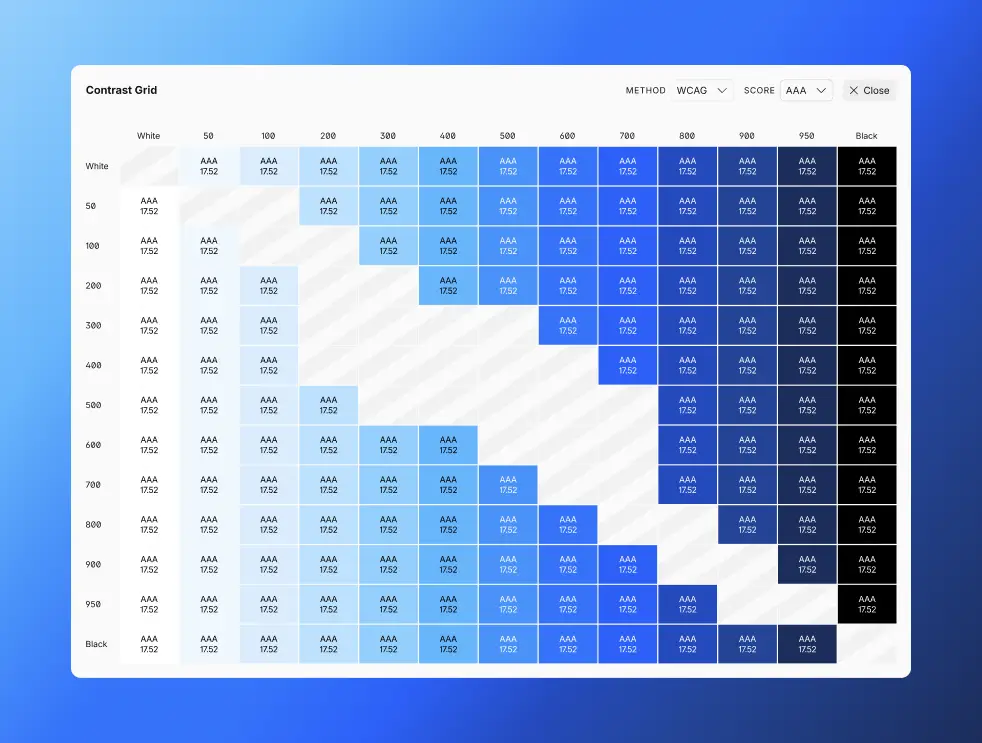
A WCAG contrast grid showing AAA-rated color combinations across a blue color scale from White to Black, with contrast ratios of 17.52 displayed in each passing cell.
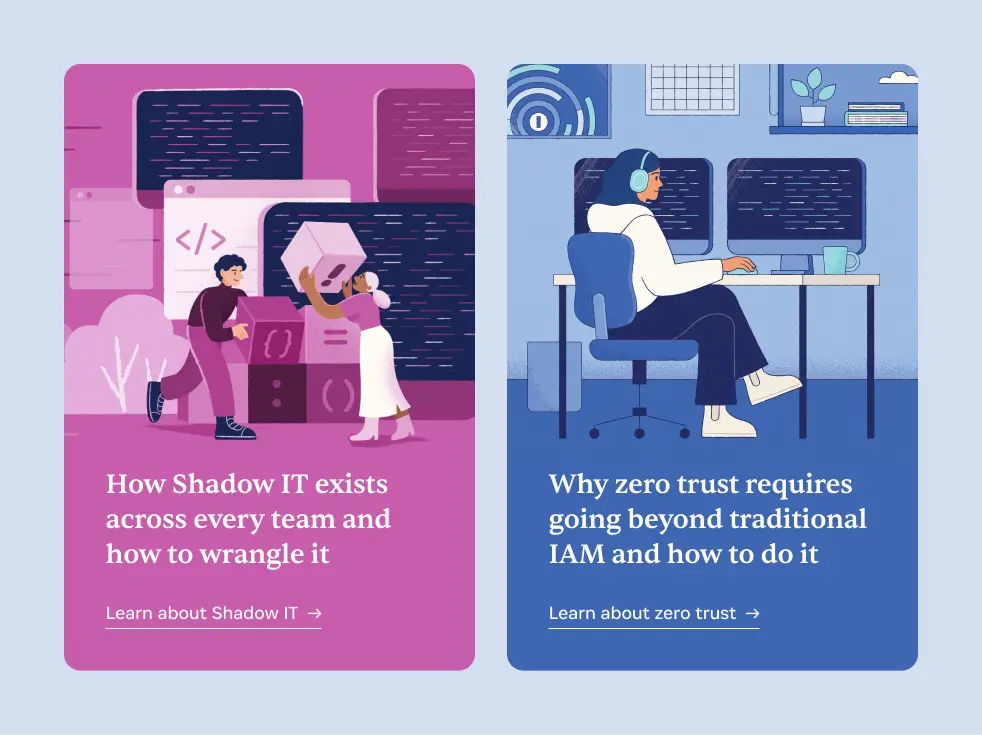
Two 1Password resource cards: one on Shadow IT with a pink illustrated card, and one on zero trust security with a blue illustrated card, each linking to a related article.
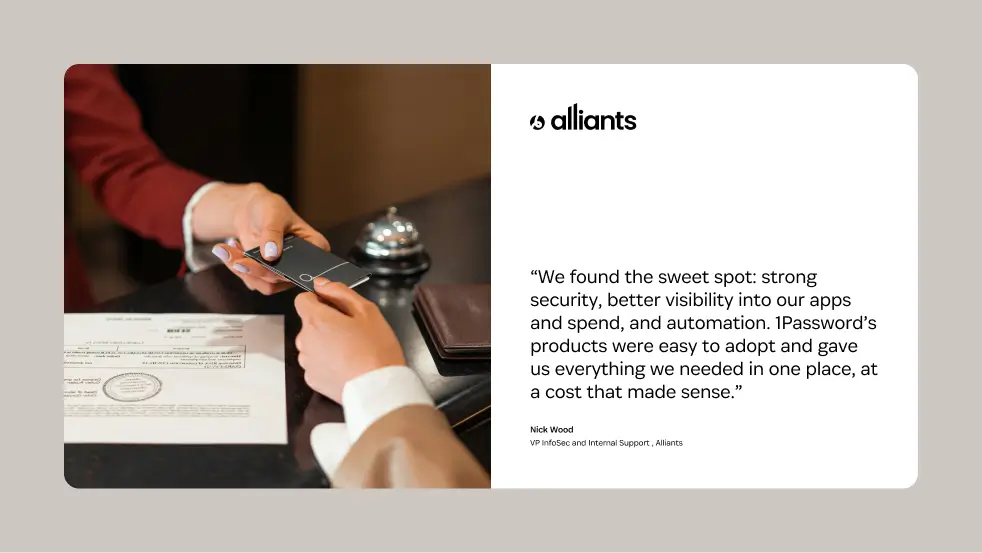
A 1Password customer testimonial card from Alliants, featuring a quote from Nick Wood, VP of InfoSec and Internal Support, praising 1Password for its security, visibility, automation, and value.
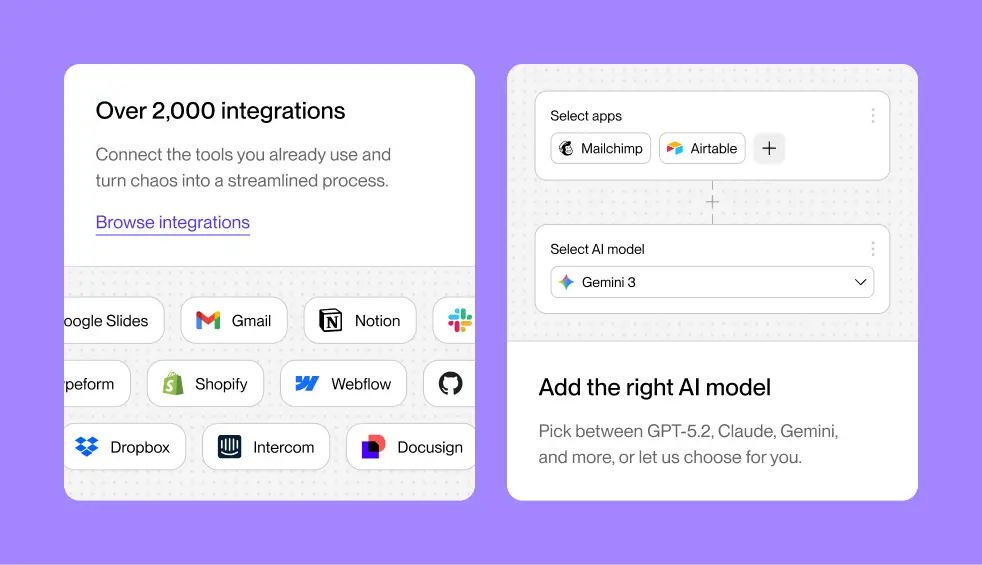
Two feature cards on a purple background. The left card highlights over 2,000 integrations, showing a grid of app logos including Gmail, Notion, Shopify, Webflow, Dropbox, Intercom, and Docusign. The right card shows an AI model selector with Mailchimp and Airtable selected as apps, and Gemini 3 chosen as the AI model, with copy reading "Add the right AI model."
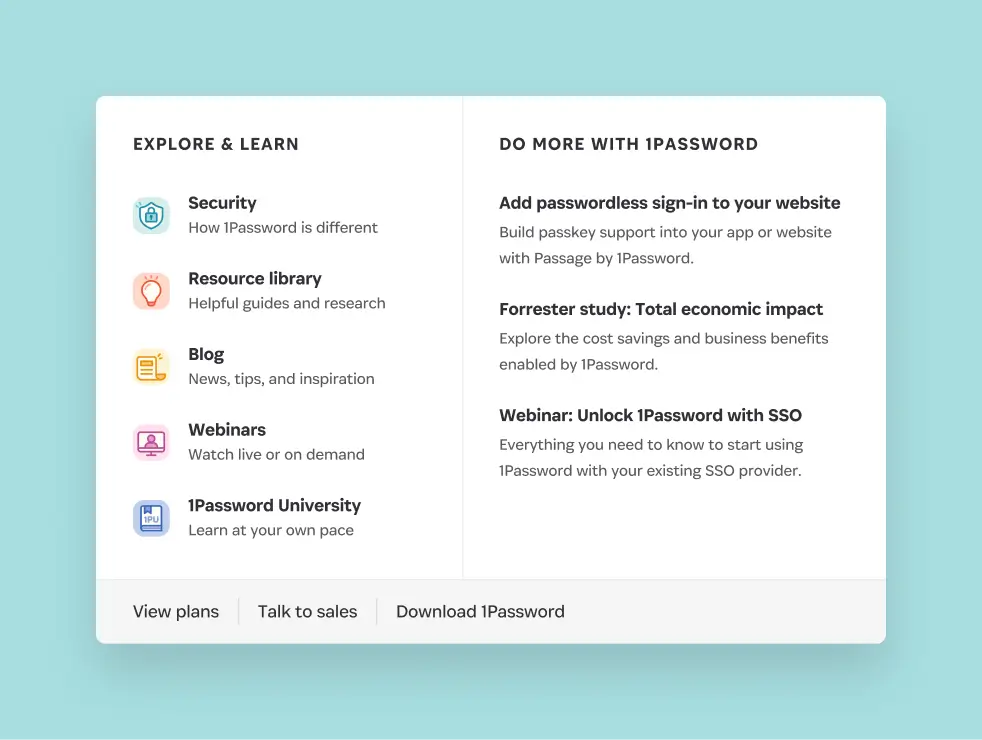
The 1Password Resources mega menu, with an "Explore & Learn" column linking to Security, Resource library, Blog, Webinars, and 1Password University, and a "Do More with 1Password" column highlighting three featured resources. A footer row includes View plans, Talk to sales, and Download 1Password links.
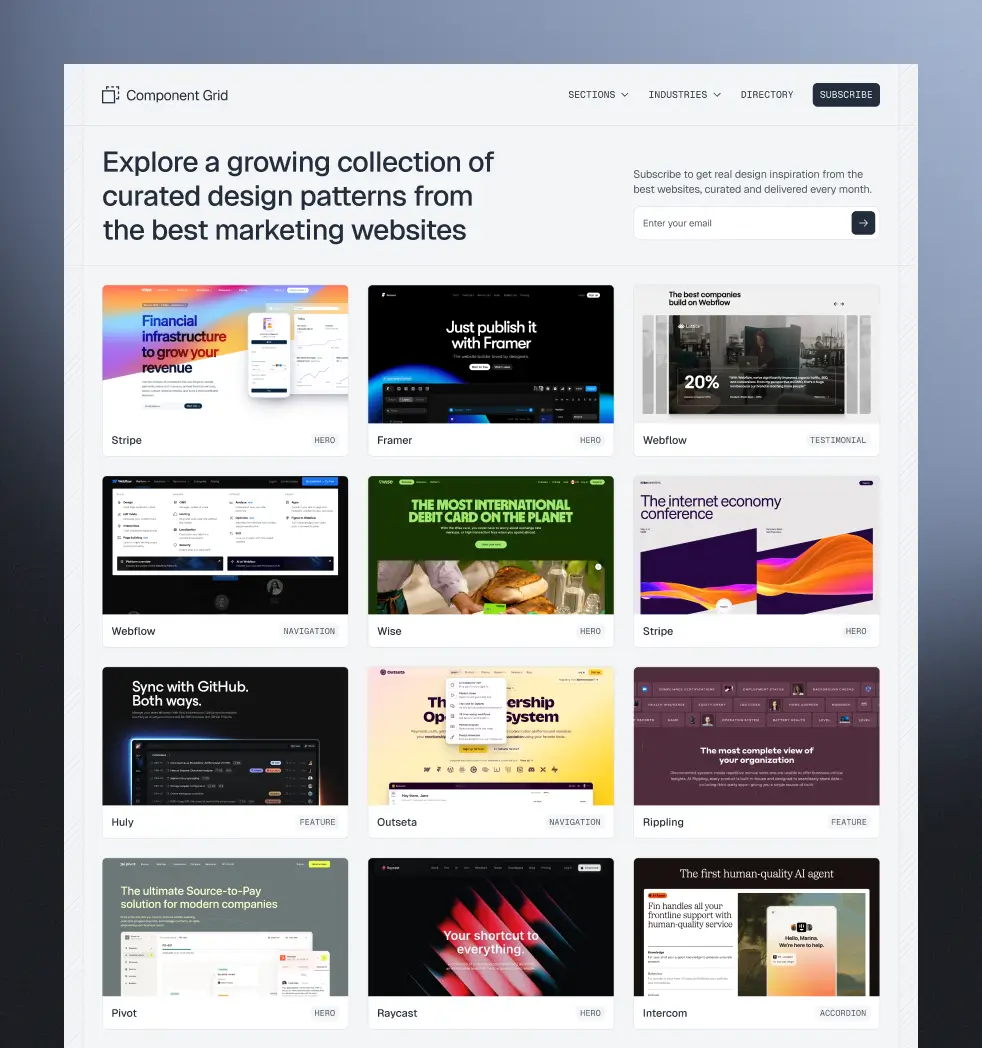
The Component Grid homepage, showing a curated gallery of design pattern screenshots from marketing websites including Stripe, Framer, Webflow, Wise, Huly, Outseta, Rippling, Pivot, Raycast, and Intercom, each tagged by component type such as Hero, Navigation, Testimonial, Feature, or Accordion.
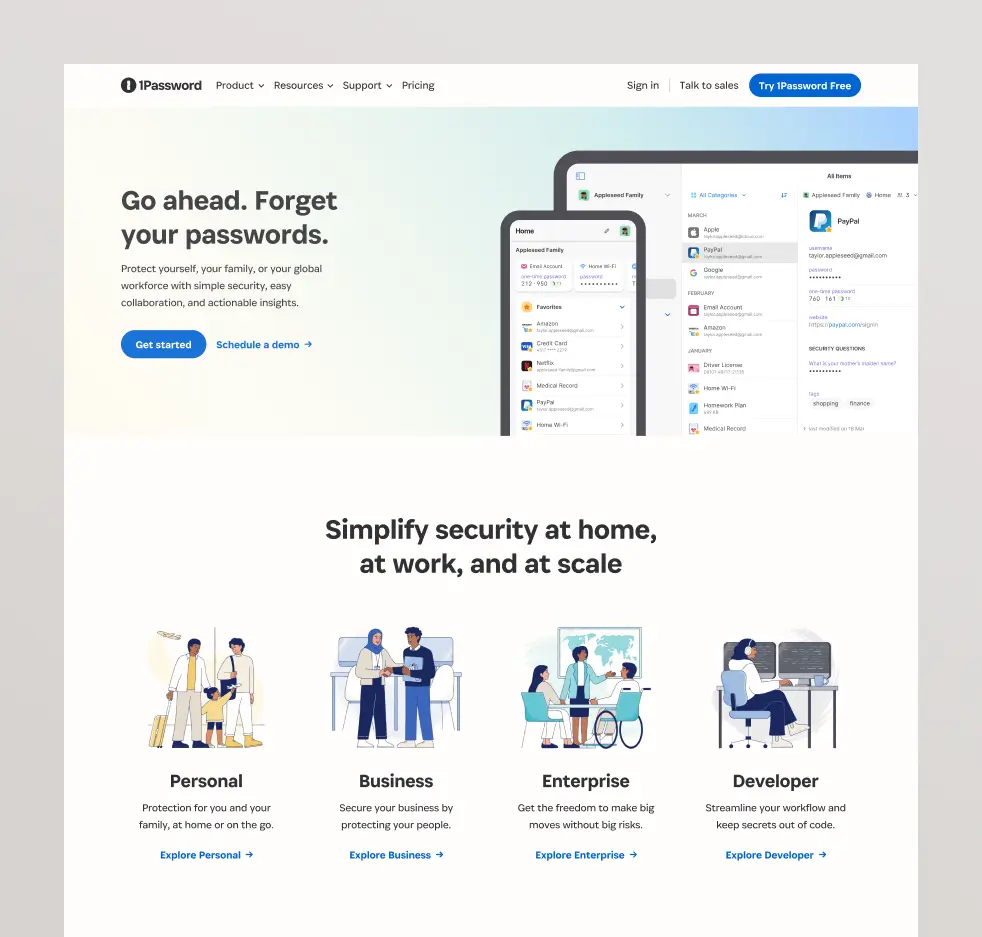
The 1Password homepage, with a hero section headlined "Go ahead. Forget your passwords." and app UI screenshots, followed by a "Simplify security at home, at work, and at scale" section showcasing four use cases: Personal, Business, Enterprise, and Developer.
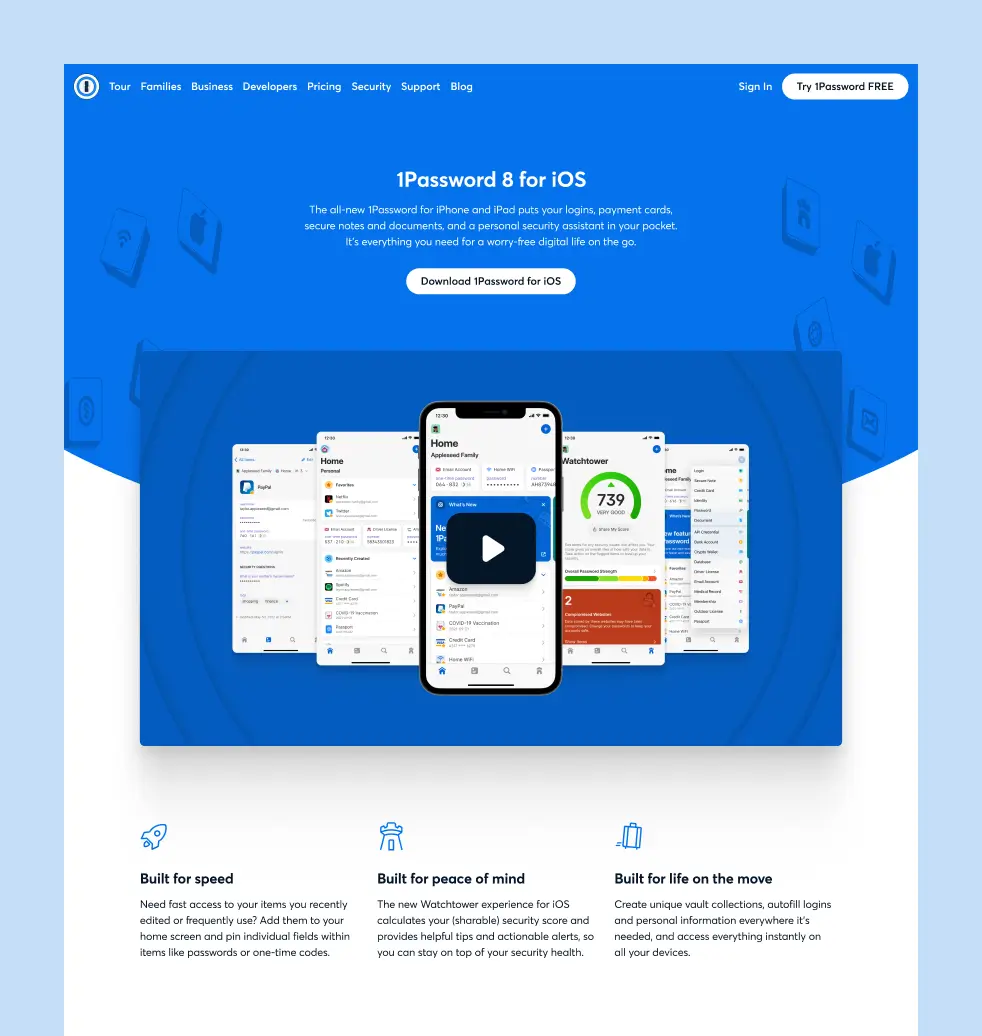
The 1Password 8 for iOS landing page, featuring a hero section with app screenshots, a video thumbnail, and three feature callouts: Built for speed, Built for peace of mind, and Built for life on the move
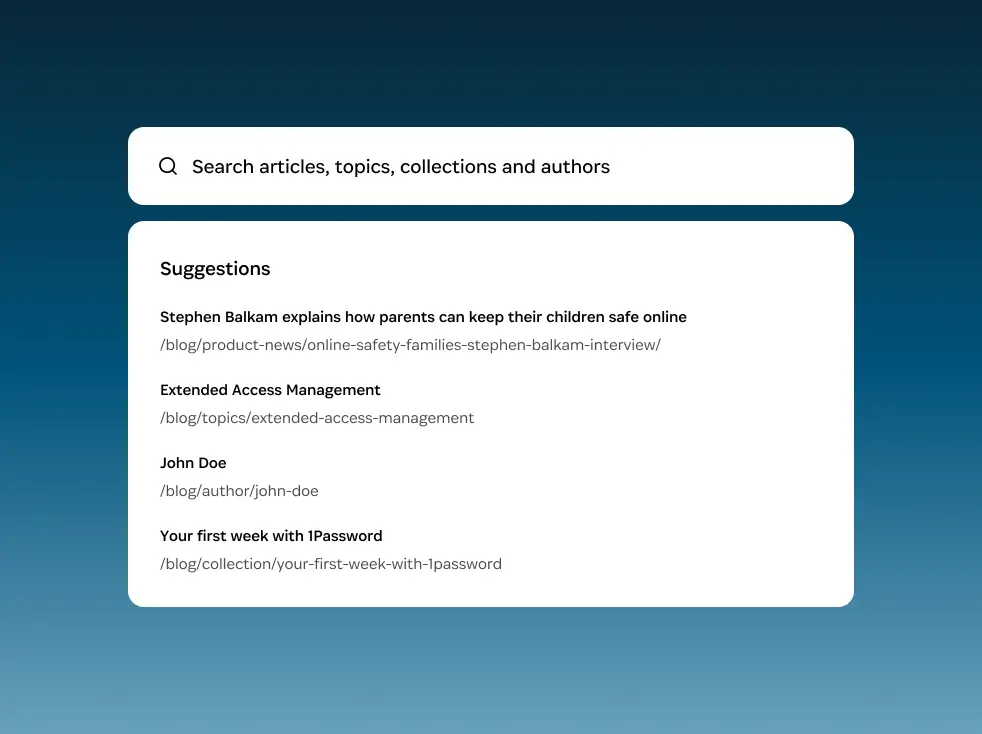
Search interface for the 1Password blog, showing a search bar and four suggested results including articles, topics, an author, and a collection.